
Key takeaways
- Most contacts are not ready to buy when they first raise their hand. Lead nurturing keeps the conversation going until they are.
- A six-email nurture sequence over six weeks, each email with one job, is enough to start.
- A simple lead score tells you when to hand a contact to a person on your team.
- Since 2024, Gmail and Yahoo require bulk senders to authenticate with SPF, DKIM and DMARC, and open rates are no longer a reliable signal.
Picture this. In March, the operations director of a mid-size logistics company in Denver downloads a guide on outsourced IT support. A rep calls the next morning and gets a polite “Not yet.” The contact sinks under a hundred others. In August, the company signs with a competitor who, all spring and summer, sent her a useful email every two or three weeks: a case study, a checklist, a straight answer on pricing. That competitor wasn’t luckier. It had a lead nurturing program.
The scene is hypothetical; the pattern is common. This guide covers what to send, when to send it and how to tell when someone is ready for a sales conversation. Responding fast to a brand-new inquiry is a separate topic, covered in our speed-to-lead guide. This one is about everything after “not yet.”
What is lead nurturing, and why does B2B need it?
Lead nurturing is planned follow-up with prospects who showed interest but are not ready to buy. You send useful information in an email sequence, watch how they respond and bring in a person when buying signals appear. It fits how companies buy today:
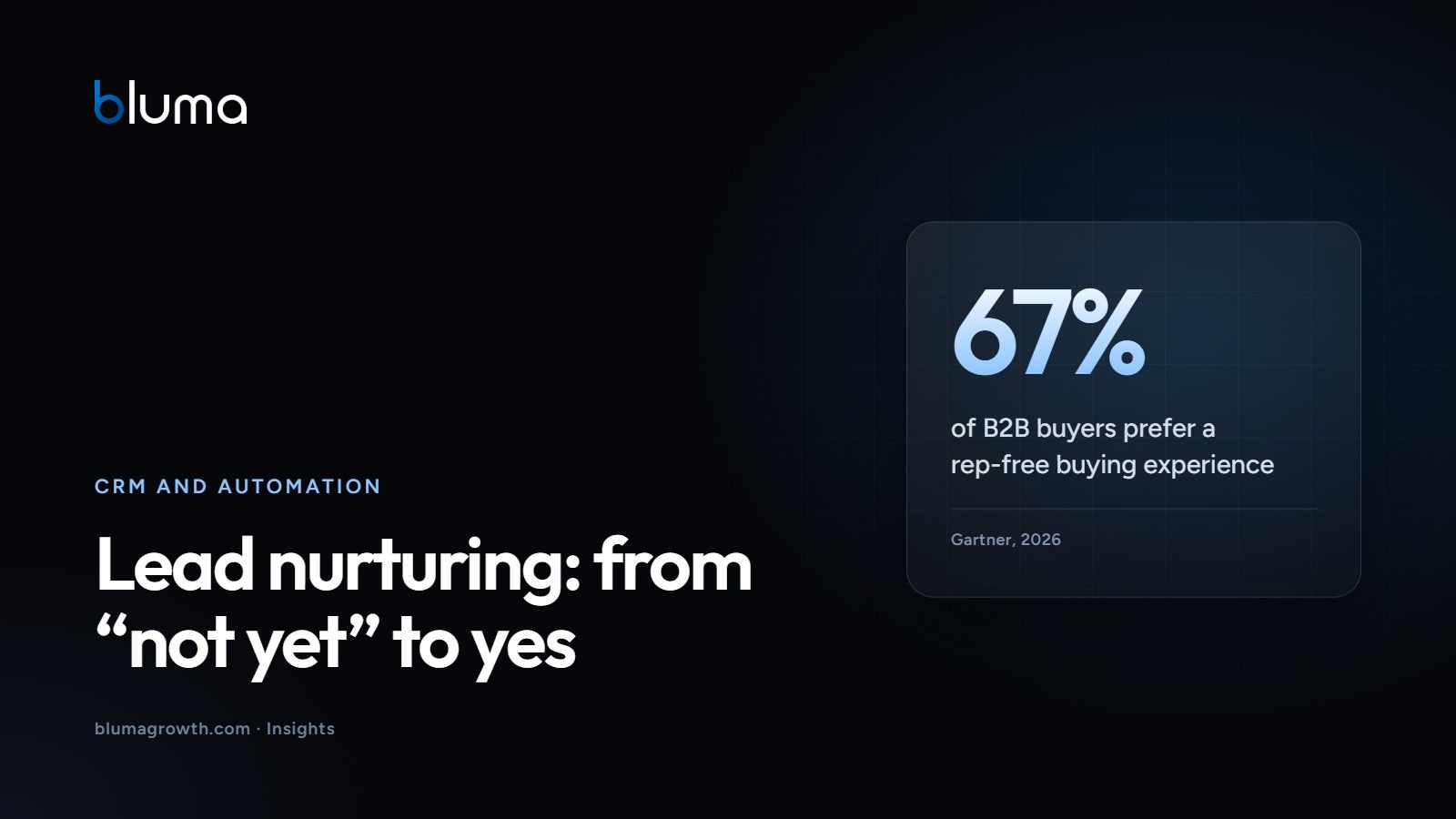
- Buyers want to move on their own. In a Gartner survey of 646 B2B buyers (August-September 2025), 67% said they prefer a rep-free buying experience (Gartner, 2026).
- They research widely. Buyers used an average of seven information sources during a recent purchase (Gartner, 2026).
- They decide as a group. Forrester surveyed more than 16,000 business buyers worldwide and found that, on average, 13 people are involved in the buying decision (Forrester, 2024).
Your emails are one of those seven sources, and maybe the only one that shows up without the buyer going looking. Make them useful, and they get forwarded to the rest of the group.
Segmentation basics: who gets what
You don’t need twenty segments. Three fields that any basic CRM, or even a spreadsheet, can hold will do. If you’re not there yet, start with our first CRM setup guide.
- Service of interest: what they asked about or downloaded.
- Role: who decides, who will use the service and who signs off on budget. A CFO and an operations lead need different arguments.
- Source: webinar attendee, quote request that went quiet, or a past client gone dormant.
Add a new segment only when you will send it different content.
Template: a six-week email nurture sequence
Use this sequence as a starting point. Each email has one purpose and one call to action. Send it from a real person’s name, not “The Marketing Team.”
| When | Subject idea | Purpose | Content type | |
|---|---|---|---|---|
| 1 | Day 0 | “Here’s the guide you asked for (plus one question)” | Deliver on the promise and open a conversation | The requested resource and one open question |
| 2 | Day 7 | “The mistake we see most in [topic]” | Surface a problem they may not see yet | Short article on common mistakes |
| 3 | Day 14 | “How a company like yours solved it” | Provide proof | Case study with real, client-approved results |
| 4 | Day 21 | “Template: [specific task]” | Be useful right away | Template, checklist or calculator |
| 5 | Day 31 | “What does [service] cost, and what drives it?” | Handle objections | Pricing factors, how you work and who they’ll work with |
| 6 | Day 42 | “Should we stay in touch?” | Ask for a decision | Plain-text note with three options: a 20-minute call, the monthly newsletter only, or unsubscribe |
Anyone who doesn’t answer email six moves to a monthly newsletter. Anyone who replies or books a call leaves the sequence immediately.
How do you know a lead is sales-ready?
Lead scoring assigns points based on who a contact is and what they do. You don’t need an expensive platform: most B2B email marketing tools track clicks, and most CRMs allow a number field. A starter model, with illustrative Bluma point values to tune against your own data:
| Signal | Points |
|---|---|
| Fits your ideal client (industry, size, decision-making role) | +20 |
| Replied to an email, even with a question | +25 |
| Visited your pricing page or a specific service page | +15 |
| Downloaded a resource or attended a webinar | +10 |
| Clicked a case study | +10 |
| Opened emails (unreliable, see below) | 0 |
| No activity in 30 days | -10 |
| Asked for a meeting, quote or proposal | Straight to sales |
Set a threshold, say 50 points, and review it with sales every quarter. If leads above it don’t move, raise it.
When should a person take over?
Automation educates; people close. Gartner found that 69% of B2B buyers prefer to validate AI-generated insights with sales reps (Gartner, 2026). Hand off when a contact:
- Crosses the score threshold.
- Asks about scope, timing or price.
- Engages with your emails alongside colleagues from the same company.
The first message should be personal and reference what they read: “I saw you looked at the clinic case study. Are you weighing something similar?” If they’re still not ready, they go back into nurturing with their history intact.
Deliverability: what Gmail and Yahoo require
A great nurture campaign is worthless in the spam folder. According to deliverability vendor Validity, one in six legitimate marketing emails fails to reach the inbox (Validity, 2025).
Since February 2024, Google and Yahoo have tightened requirements for bulk senders. Google defines a bulk sender as anyone sending close to 5,000 or more messages a day to personal Gmail accounts (Google). Yahoo applies similar requirements and publishes no volume threshold on that page (Yahoo):
- SPF: a DNS record listing which servers may send email for your domain.
- DKIM: a digital signature proving the message came from your domain and wasn’t altered.
- DMARC: a policy telling inboxes what to do with mail that fails those checks. Yahoo requires at least “p=none.”
- One-click unsubscribe on marketing email, honored within two days per Yahoo; Google gave bulk senders until June 2024 to implement it.
- Spam complaints below 0.30%, a limit Google and Yahoo apply to all senders; Google recommends staying under 0.10%.
Google notes that bulk sender status never expires and that, starting November 2025, it is ramping up enforcement on non-compliant traffic (Google). Even at low volume, set these up: they protect your day-to-day sales email too.
What to measure (and why not open rates)
Apple’s Mail Privacy Protection downloads email content in the background when a message arrives, not when it’s read, and keeps senders from learning when and how often it was viewed (Apple). In September 2026, Apple accounted for 76.56% of the more than 1.5 billion opens Litmus tracked, privacy-protected opens included (Litmus, 2026). That sample isn’t B2B-only, but the lesson holds: an “open” no longer proves anyone read. Track instead:
- Clicks by email and by content type. For reference, Mailchimp reports a 2.62% average click rate for campaigns sent to 1,000 or more subscribers on its platform, based on data as of December 2023 (Mailchimp). Benchmark mainly against yourself.
- Replies, the strongest signal in services.
- Handoffs to sales and how many become opportunities.
- Unsubscribes and spam complaints.
To tie these numbers to revenue, see the marketing metrics that matter.
Six steps to launch your program in a month
- Authenticate your domain. SPF, DKIM and DMARC in place, and email sent from your own domain.
- Clean your list. Only contacts who opted in; remove hard bounces.
- Define two or three segments. By service of interest and role, each with a CRM field.
- Write the six emails. One purpose each, signed by a real person.
- Agree on the handoff. Threshold, owner and maximum response time, in writing.
- Review at six weeks. Clicks, replies and unsubscribes per email; rewrite the weakest one.
Try this. Pull the last 30 contacts who told you “not yet” and score them with the table above. Today, send the top five a hand-written version of email six with its three options. Count how many reply within a week.
Do your leads go cold after the first “not yet”? Bluma’s free growth assessment reviews how you capture and follow up with prospects, from forms and CRM to automated email and the handoff to sales, and gives you a 90-day plan.
Frequently asked questions
How many emails should a lead nurturing sequence have?
As a Bluma rule of thumb, five to seven emails over four to eight weeks is a solid starting point. The count matters less than giving each email a distinct job: deliver what you promised, surface a problem, show proof, be useful, handle objections and ask for a decision. After that, contacts move to a monthly newsletter.
What is the difference between a nurture campaign and a newsletter?
A newsletter goes to your whole list on a fixed schedule. A nurture campaign is a sequence triggered by something the contact did, such as downloading a guide, and tailored to their segment. Its goal is a sales conversation, not just staying visible. Most B2B companies benefit from running both.
Do I need an expensive marketing automation platform?
Not to start. Most email marketing tools support automated sequences and track clicks, and a basic CRM can store a lead score in a number field. The non-negotiables are authenticating your domain with SPF, DKIM and DMARC, offering one-click unsubscribe and emailing only people who opted in.
Why shouldn’t I rely on open rates?
Apple’s Mail Privacy Protection downloads email content when a message arrives and hides from senders when and how often it was opened. Because Apple accounts for a large share of tracked opens, open rates look inflated. Use clicks, replies, meetings booked and opportunities as your signals of real interest.
Sources
- Gartner, “Gartner Sales Survey Finds 67% of B2B Buyers Prefer a Rep-Free Experience,” 2026
- Gartner, “Gartner Survey Finds 69% of B2B Buyers Turn to Sales Reps to Validate AI-Generated Insights,” 2026
- Forrester, “The State Of Business Buying,” 2024
- Validity, “2025 Email Deliverability Benchmark Report,” 2025
- Google, “Email sender guidelines,” Gmail Help
- Google, “Email sender guidelines FAQ,” Gmail Help
- Yahoo, “Sender Best Practices,” Yahoo Sender Hub
- Apple, Mail User Guide for Mac, Mail Privacy Protection
- Litmus, “Email Client Market Share,” September 2026
- Mailchimp, “Email Marketing Benchmarks,” data as of December 2023